

Vacasa for Guests: Book Vacation Homes, App, and Support
What Vacasa Offers to Guests
Overview
Vacasa operates one of the largest vacation rental management companies in North America, giving guests access to thousands of professionally managed properties across hundreds of destinations. Whether you're planning a week at the beach, a ski weekend, or an extended remote-work stint, Vacasa vacation rentals cover the full range of travel styles and group sizes.
Vacation Rental Management Explained
Unlike listing platforms that simply connect owners and travelers, Vacasa handles end-to-end property management. That means every home goes through professional cleaning, maintenance checks, and quality standards before a guest arrives. The result is a more consistent experience — you're not guessing whether the sheets will be clean or the Wi-Fi will work. Vacasa properties are held to operational standards that individual hosts may not match, which matters when you're booking for a family reunion or a corporate retreat.
Why Choose Vacasa
Direct Vacasa booking through the Vacasa website or Vacasa app gives guests the best access to real-time availability and current pricing. Third-party platforms may show outdated calendars or add their own service fees on top. Booking direct also means your confirmation, digital guidebook, and support team are all under one roof. Options span Vacasa homes, house rentals, cabins, condos, and vacation home rentals — a breadth that makes it practical to search for everything in one place rather than hopping between sites.
How to Find and Book on the Vacasa Website
Search and Filters
The search bar on the Vacasa website accepts a destination, travel dates, and guest count. If you're flexible on location, typing something like "beach destinations" or using the map view surfaces options you might not have considered. The "Vacasa near me" function works well when you're planning a spontaneous last-minute getaway within driving distance.
Filters are genuinely useful here. You can narrow by pet-friendly policies, private pools, hot tubs, waterfront access, number of bedrooms, and more. Stacking filters takes seconds and cuts thousands of listings down to a shortlist that actually matches your trip.
Property Pages
Each listing page includes a full photo gallery, a detailed amenities breakdown, house rules, and a live pricing calendar. Real-time rates reflect demand, seasonality, and length of stay, so the nightly rate you see on a Tuesday in March will differ from a Saturday in July. Read the house rules carefully — maximum occupancy limits, noise policies, and parking details are spelled out there.
Guest reviews on property pages are worth reading end-to-end. They surface practical details like proximity to the beach, parking challenges, or whether the kitchen is fully stocked.
Secure Checkout
Completing a Vacasa booking takes only a few minutes. Enter payment details, review the fee breakdown (more on that in the pricing section), and confirm. Instant confirmation arrives by email, and the booking syncs to your account for easy access. You can save favorite properties and, on some listings, set alerts when prices drop or new dates open — useful if your preferred home was unavailable when you first searched.
Using the Vacasa App
Account and Saved Trips
The Vacasa app is available on iOS and Android. Sign in with your account credentials to sync saved searches, favorited properties, and the history of past Vacasa vacations. If you browsed a cabin on the website earlier in the week, it'll be waiting in the app when you pick up your phone on the commute home.
Mobile Booking Steps
Searching, comparing, and reserving Vacasa vacation homes from your phone mirrors the desktop experience closely. The map view is especially intuitive on mobile — pinch to zoom into a coastal area, tap a pin, and swipe through photos without leaving the map. Payment flows are optimized for mobile, so checkout doesn't require jumping through hoops.
Trip Management
This is where the app earns its keep. Door codes for smart locks are delivered directly in the app before your arrival date. Driving directions, parking instructions, and digital guidebooks are accessible offline, which matters when you're pulling into a mountain property without cell service. Need to message the support team, adjust your reservation dates, or add a mid-stay cleaning? All of that happens through the app without a phone call.
Types of Vacasa Rentals and Popular Destinations
Beach and Waterfront
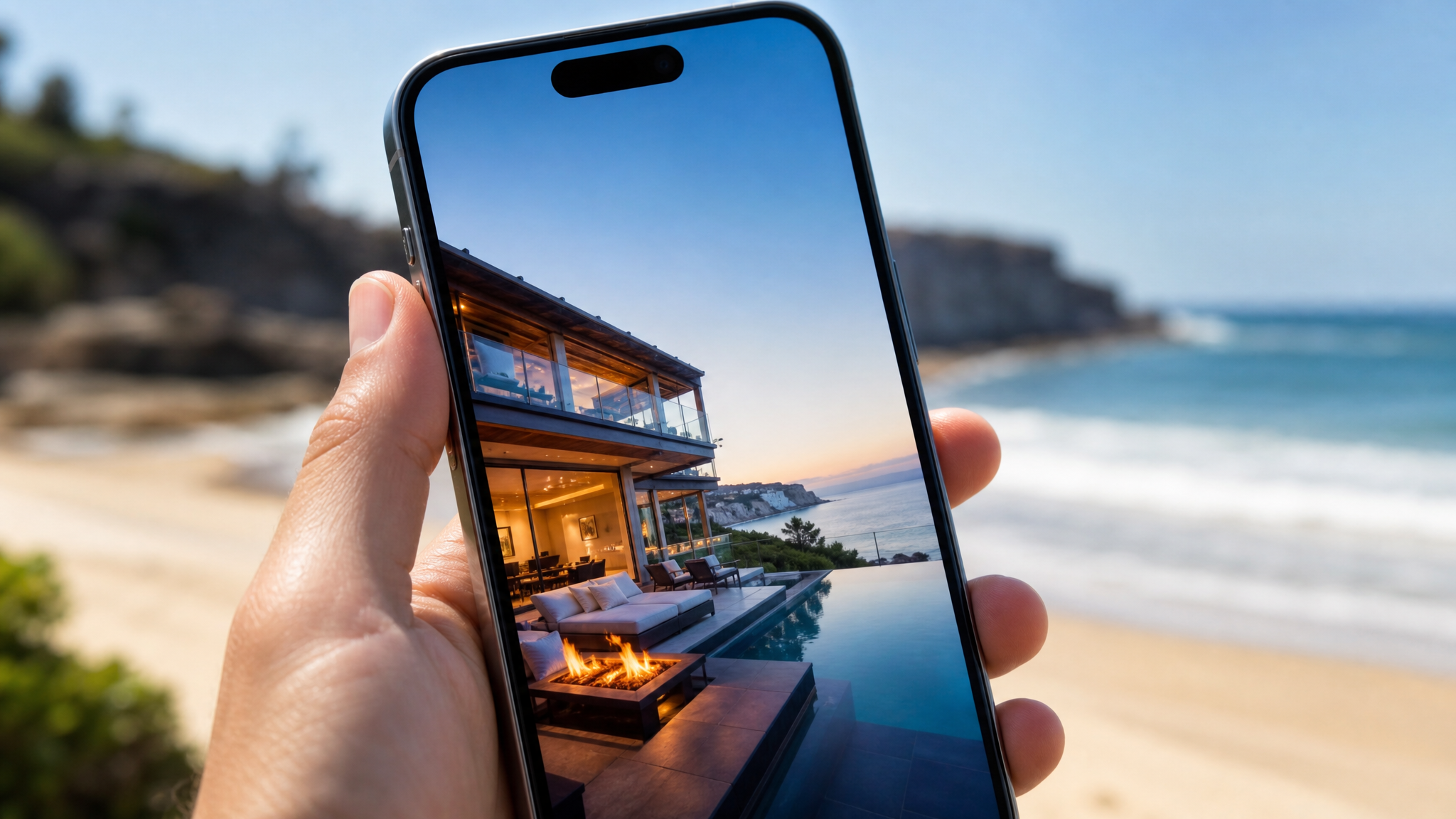
Vacasa beach rentals stretch from Gulf Coast destinations like 30A and Destin to Pacific Northwest coastlines, Hawaii, and everywhere in between. Oceanfront condos, beach houses that sleep 16, and quiet cottages two blocks from the water all appear in search results. Filtering by "waterfront" or "ocean view" isolates the properties with direct access versus those that are a short walk away.
Homes and Unique Stays
Vacasa house rentals go well beyond the standard condo. Ski chalets in Colorado, lakefront cabins in the Smoky Mountains, historic bungalows in Savannah, and treehouse-style builds in the Pacific Northwest all appear across the platform. Vacasa rentals Cape Cod are a strong example of regional depth — you'll find classic shingle-style cottages and modern homes with water views throughout Barnstable, Brewster, and Chatham. Vacation rentals Vacasa lists across ski towns like Park City and Breckenridge fill up fast in winter, so booking several months out is smart.
Monthly and Extended Stays
Vacasa monthly rentals serve a growing segment of travelers who work remotely, relocate temporarily, or simply want to slow down. Searching with a 28-plus-day window surfaces homes with monthly pricing, which is typically more favorable than multiplying the nightly rate. These Vacasa home rentals often include faster Wi-Fi specifications in the listing details — a practical detail worth confirming before booking if you're working full-time during the stay.
Pricing, Fees, and Policies
Rates and Discounts
Nightly rates on Vacasa vacations use dynamic pricing, adjusting based on the season, local events, and how far out you're booking. Last-minute deals sometimes surface for dates within 7 to 14 days. Longer stays of a week or more frequently trigger automatic discounts. Check the Vacasa website and app for current promotions — member deals and seasonal sales are promoted in both places.
Taxes and Fees
The checkout summary shows every line item: the nightly rate subtotal, a cleaning fee, a service fee, and applicable local taxes. Tax rates vary by jurisdiction and can add 10–18% in some beach or mountain markets. Review the total before confirming so there are no surprises. The cleaning fee is a one-time charge regardless of the length of stay, which makes longer stays more cost-efficient per night.
Cancellations and Refunds
Cancellation policies vary by property and are clearly listed on each page before checkout. Standard policies typically allow a full refund if you cancel within 24 hours of booking and at least 60 days before arrival. Closer-in cancellations may result in partial or no refund depending on the terms attached to that specific listing. Read the policy before entering payment details.
Check-in, Stay Support, and Contact Options
Digital Guide and Access
Most Vacasa properties use smart locks. Your unique door code arrives via email and in the app — usually 24 to 48 hours before your check-in time. No key pickup, no waiting for someone to meet you. The digital guidebook, accessible through the app, covers everything from Wi-Fi passwords to trash pickup schedules, parking spots, and local restaurant recommendations.
During-Stay Help
Vacasa operates 24/7 guest support. If the dishwasher stops working at 10 p.m. or you can't locate the extra towels, a real support team is reachable by phone, chat, or in-app message. For maintenance issues that need an on-site fix, Vacasa coordinates local teams to respond during your stay rather than asking you to troubleshoot alone.
After Your Stay
After checkout, you'll receive a prompt to leave a review — which helps future guests make informed decisions. Log back into your account to save the property to a favorites list for future trips. Your stay history lives in the app, making it easy to rebook the same Vacasa vacation home the following year without searching from scratch.